RAZ RX50K Problems? Here Are 5 Common Issues (And What to Try First)
So your RAZ RX50K is acting up. Maybe it suddenly tastes burnt, or it's firing on its own, or the screen just went completely dark. You're not alone — these are some of the most common complaints people have with this device.
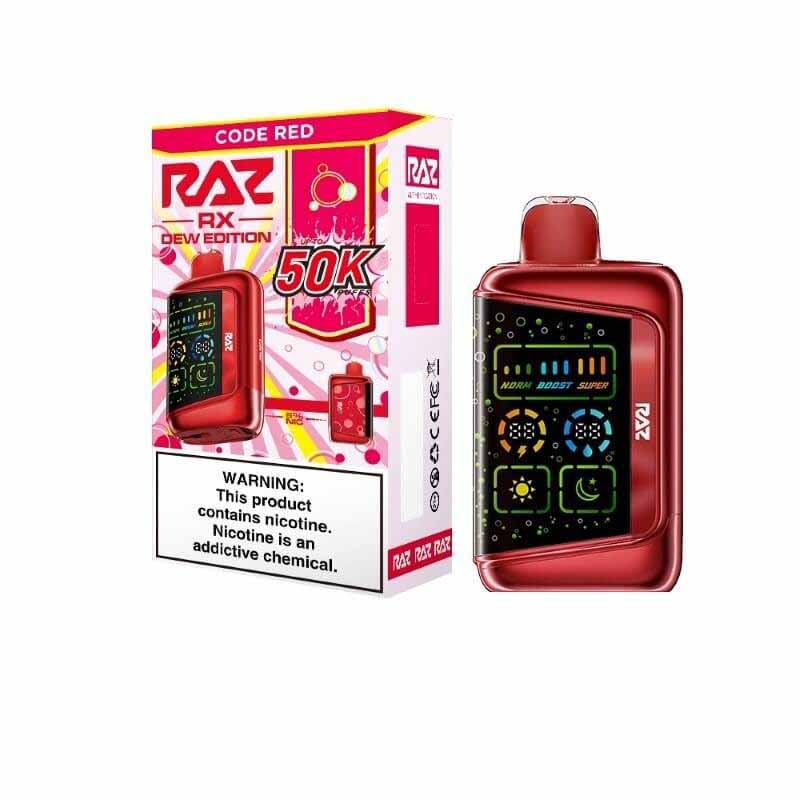
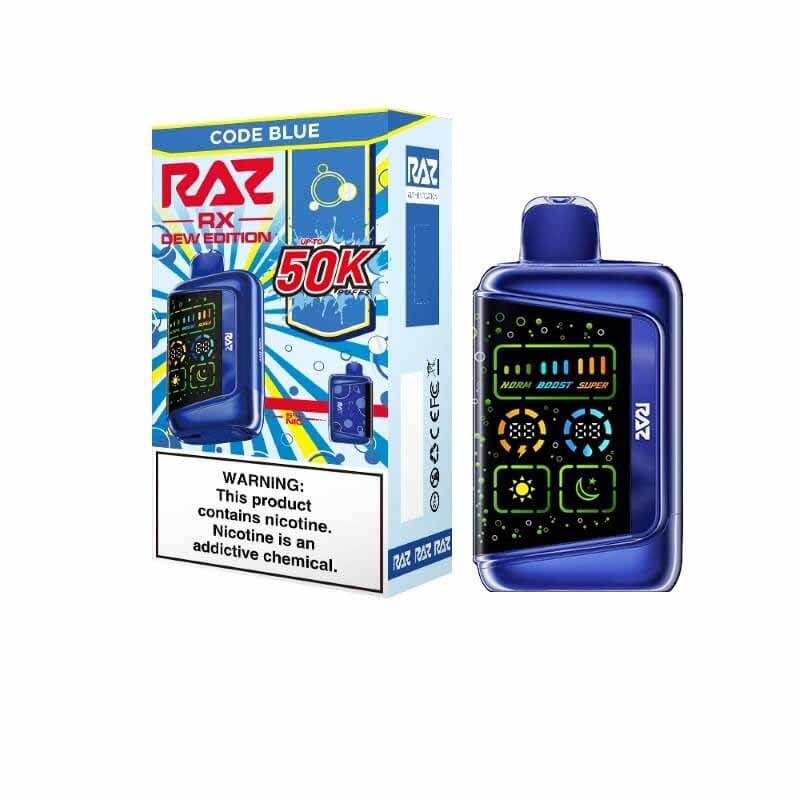
To be fair, the RX50K is a pretty complex piece of kit for a disposable. We're talking a 50,000-puff capacity, a full-color screen, multiple power modes, and a mesh coil setup that's a step above your average throw-away vape. More moving parts means more chances for something to go sideways — but most issues are surprisingly fixable without sending it back anywhere.
Here's a breakdown of the five problems users run into most, plus what's worth trying first.
Why Does My RAZ RX50K Taste Burnt?
Burnt taste is probably the number one complaint with high-puff-count devices. It's not always a sign that something is permanently wrong — usually it just means the coil ran dry for a second.
What's likely going on
- You've been hitting it too fast: Chain vaping in Boost mode doesn't give the cotton enough time to re-saturate between hits. The coil fires dry, and you get that awful burnt flavor.
- High power mode doing too much: Sometimes the output spikes slightly during mode switches, which can affect vapor quality.
What to try
- Put it down for a few minutes: Seriously — just set it upright and wait 3 to 5 minutes. Let the wick soak back up before you take another hit.
- Drop the power mode: Switch from Boost to Normal or Soft. The coil and cotton last a lot longer when you're not constantly running at max.
- Flip it upside down: If you're getting close to the end and the oil level is low, try resting it inverted for a few minutes. Gravity does a decent job of pulling the remaining liquid toward the coil.
Bottom line: Burnt hits usually just mean the wick couldn't keep up. Slow down, drop the wattage, and it'll typically sort itself out.
RAZ RX50K Auto-Firing: Why Is It Going Off on Its Own?
This one's unsettling — you're not even touching it, and it's hissing and producing vapor. Auto-firing is a known quirk with high-output devices, and it's usually not a hardware failure.
What's likely going on
- Condensation buildup: Heavy use generates a lot of vapor, and some of that moisture can pool around the airflow sensor at the bottom. When it gets sticky, the sensor can get stuck in the "on" position.
- Airflow set too tight: If the intake is closed all the way, it can create negative pressure inside that keeps triggering the sensor.
What to try
- Shake it out: Hold the device firmly with the mouthpiece pointing down and give it a few sharp flicks downward — like you would with an old-school thermometer. Wipe off anything that comes out with a tissue.
- Blow through it: Try blowing firmly into the air intake at the bottom (or through the mouthpiece). It can clear out whatever's keeping the sensor stuck.
- Open up the airflow: Check the bottom airflow dial and make sure it's at least halfway open.
Bottom line: Auto-firing is almost always condensation-related. A good shake and some airflow adjustments usually do the trick.
RAZ RX50K Screen Not Working or Frozen — What Now?
The RX50K's screen is one of its best features, but a complex display means it can occasionally freeze or go dark out of nowhere.
What's likely going on
- The system just glitched: Software hiccups happen. Sometimes the screen locks up and stops responding to anything.
- Battery fully drained: If the device died completely, it might not wake back up right away — it needs a little juice first.
What to try
- Plug it in: Connect it with a standard 5V/1A charging cable. Even if the battery is dead, connecting power often prompts the device to reboot. A lot of users report the screen coming back within seconds of plugging in.
- Mash the buttons: Try rapidly pressing the mode switch or toggling the child lock a few times. It's a simple move, but it occasionally shakes the system back to life.
Bottom line: A frozen or dark screen is usually just a software hiccup. Plug it in first — that's the quickest fix.
RAZ RX50K Not Charging (Or Charging Slowly / Getting Warm)
If your device isn't taking a charge, or it feels warm while charging, the charger is the first thing to look at.
What's likely going on
- Wrong charger: The RX50K has a Type-C port, but that doesn't mean it plays nice with every charger. High-wattage PD or GaN chargers (think 45W or 65W laptop bricks) are often incompatible and can trigger the device's protection circuits, causing it to refuse charging or behave erratically.
- Dirty port: Pocket lint and debris are sneaky. A clogged Type-C port can make a solid connection nearly impossible.
What to try
- Switch to a basic charger: Use a simple 5V/1A or 5V/2A adapter — an old phone charger, a USB port on your laptop, or a regular power bank. Nothing fancy.
- Clean the port: Use a toothpick or plastic pick (not metal) to gently clear out any lint packed into the Type-C slot.
Bottom line: High-end fast chargers are often the problem, not the solution. Downgrade your charger and see if that fixes it.
RAZ RX50K Spitting or Leaking — How to Deal With It
That crackling, popping sound when you inhale — followed by a little burst of sweet liquid hitting your tongue — is spitting. It's annoying but usually fixable.
What's likely going on
- Oversaturated wick: If the device has been sitting flat for a while, or it's been somewhere warm (like a hot car), the liquid thins out and soaks into the cotton faster than it should. When you hit it, the excess liquid spits back.
- Hitting it too hard: Pulling aggressively doesn't actually make the vapor better — it just sucks up unvaporized liquid and sends it straight to your mouth.
What to try
- Clean out the airpath: Twist a tissue into a thin strip and push it gently into the mouthpiece, rotating it to absorb any pooled liquid.
- Change how you inhale: The dual mesh coil in this device is powerful enough that you don't need to drag hard. Slow, gentle pulls give the coil time to vaporize properly — better flavor, no spitting.
Bottom line: Spitting usually means there's too much liquid somewhere it shouldn't be. Clean it out and ease up on the draw.
Keeping Your RX50K Running Longer: Two Simple Habits
You don't need to do much — just avoid two things that quietly shorten the device's life:
- Don't leave it on the charger overnight: Once it hits 100% or the indicator goes off, unplug it. Keeping it at full charge for hours at a time isn't great for the battery long-term.
- Save Boost for when you actually want it: Normal and Soft modes are easier on the coil and the e-liquid. Staying in Boost all day accelerates wear faster than you'd think.
RAZ RX50K FAQ
Can I still use my RX50K if it has a burnt taste?
Yes — but stop and let it rest first. Set it upright for 3–5 minutes, then try Normal or Soft mode. If the burnt taste is still strong after that, the coil may be near the end of its life.
Is auto-firing on the RX50K dangerous?
A brief auto-fire episode is usually harmless and fixable. But if it keeps going for more than 10 seconds and the device is getting hot, set it somewhere safe and non-flammable, and don't touch it until it stops on its own.
Can I use a fast charger with my RAZ RX50K?
Better not to. The device likely doesn't support high-wattage PD protocols, and using an incompatible charger can cause it to refuse charging or worse. Stick with a 5V/1A or 5V/2A adapter.
My RX50K screen is black, and nothing responds — what do I do?
Plug in a standard 5V/1A charging cable and wait. Most of the time, the screen comes back on its own once the device gets power. If not, try rapidly pressing the mode button or toggling the child lock.
Why do 50,000-puff vapes have more issues than regular disposables?
More features mean more components — bigger screens, more battery cells, multi-mode chips, and advanced coil setups. More parts mean more that can occasionally go wrong. It's the trade-off for the extra performance.
Wrapping Up: Most RX50K Issues Are Fixable at Home
Burnt taste? Rest and lower the power. Auto-firing? Shake it out and open the airflow. Black screen? Plug it in. Won't charge? Try a basic charger and clean the port. Spitting? Clear the mouthpiece and ease up on how hard you pull.
None of these requires a trip to a store or a warranty claim — just a little patience and the right approach. Build in the two habits (unplug when charged, use Boost sparingly), and you'll get a lot more life out of this device.
One final point: you have another option—purchasing a new RX50K.
Related Articles
Disclaimer: This guide is based on common user experiences and general troubleshooting information. It is not official repair advice or a technical diagnosis. If your device is consistently overheating, auto-firing uncontrollably, or producing unusual smells or sounds, stop using it immediately.